A complete place to start.
Connect your pages, navigation and business workflows in one project. Start with a template or choose every module yourself.
Bringing everything together.
Great things start with a few building blocks.Your dashboard. Your ERP. Your next big thing. Start with connected pages, make the design your own, and take the source with you.
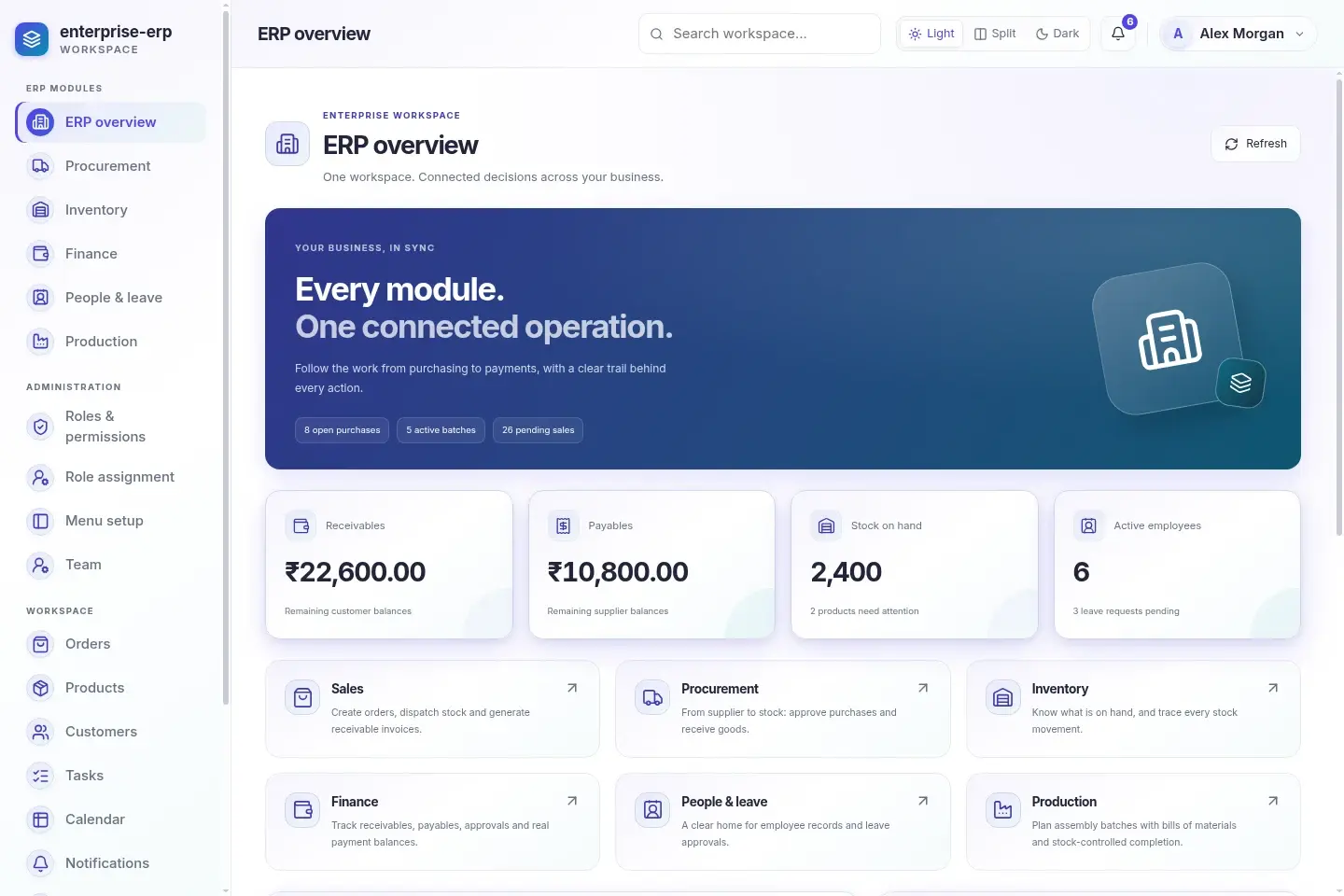
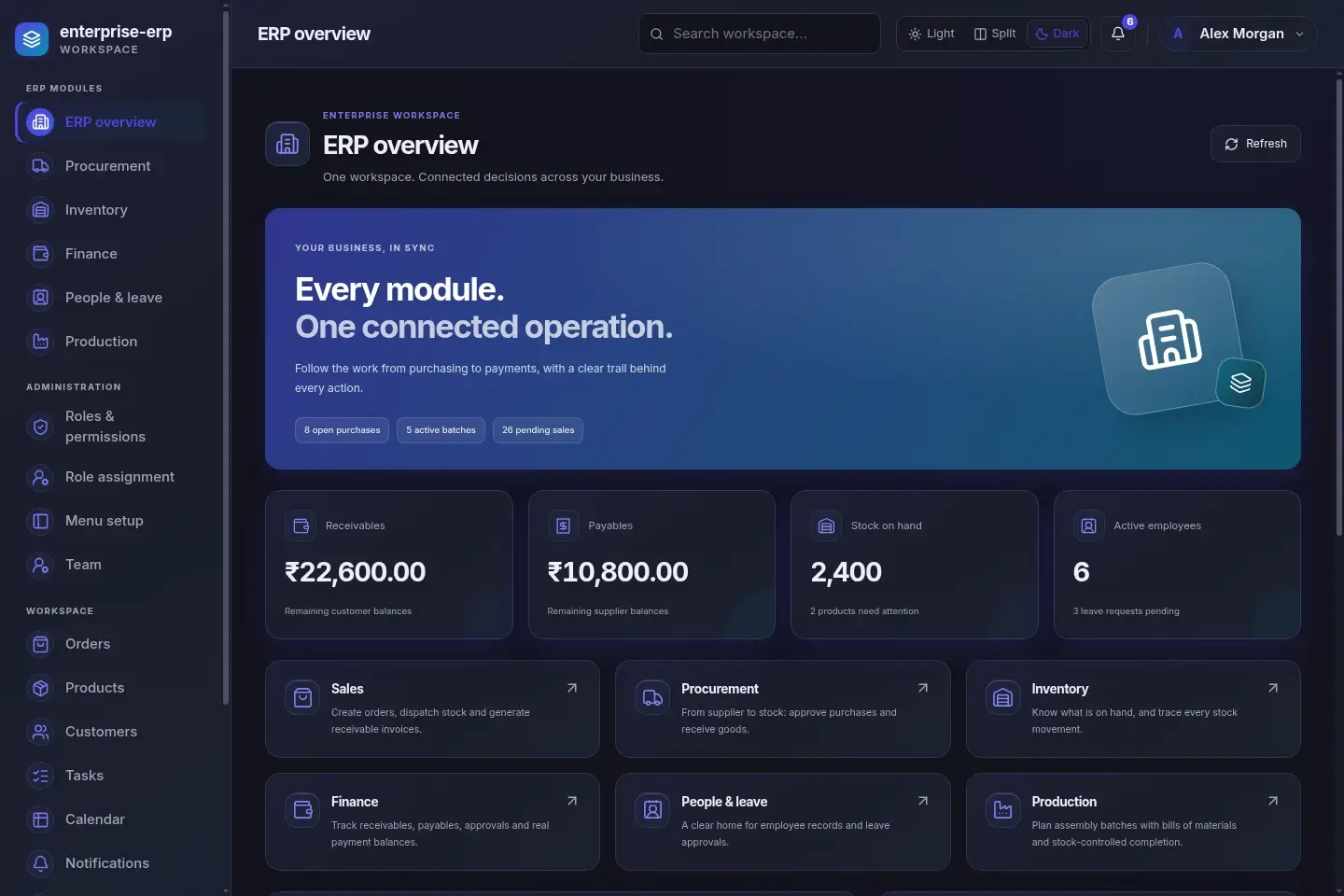
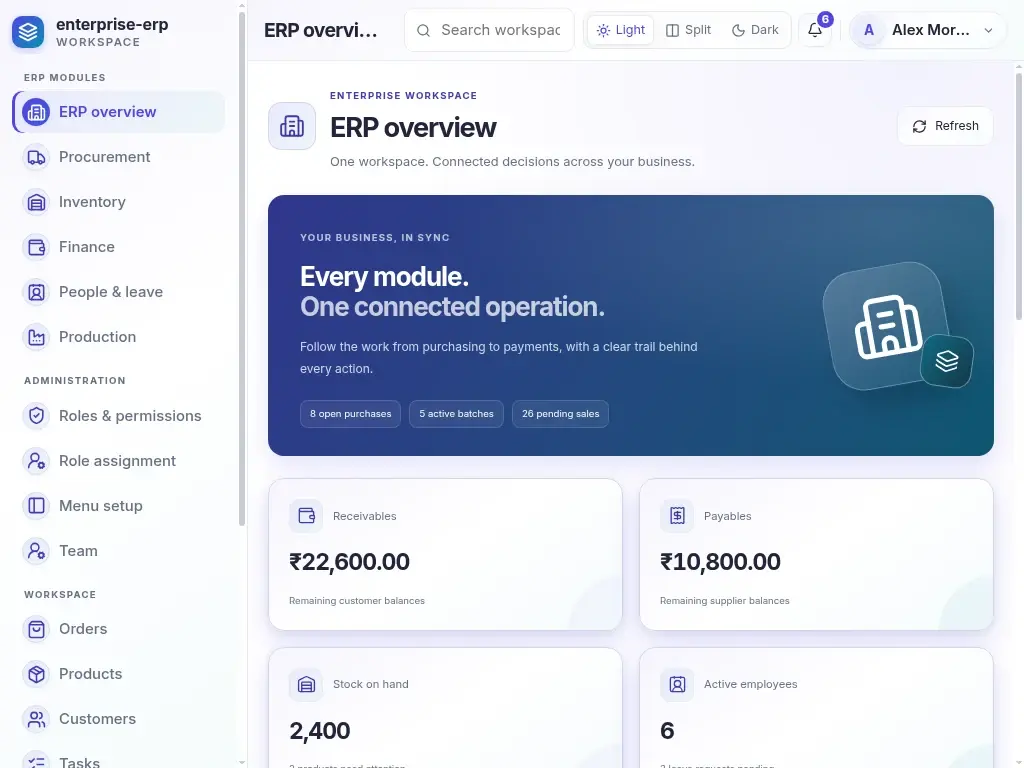
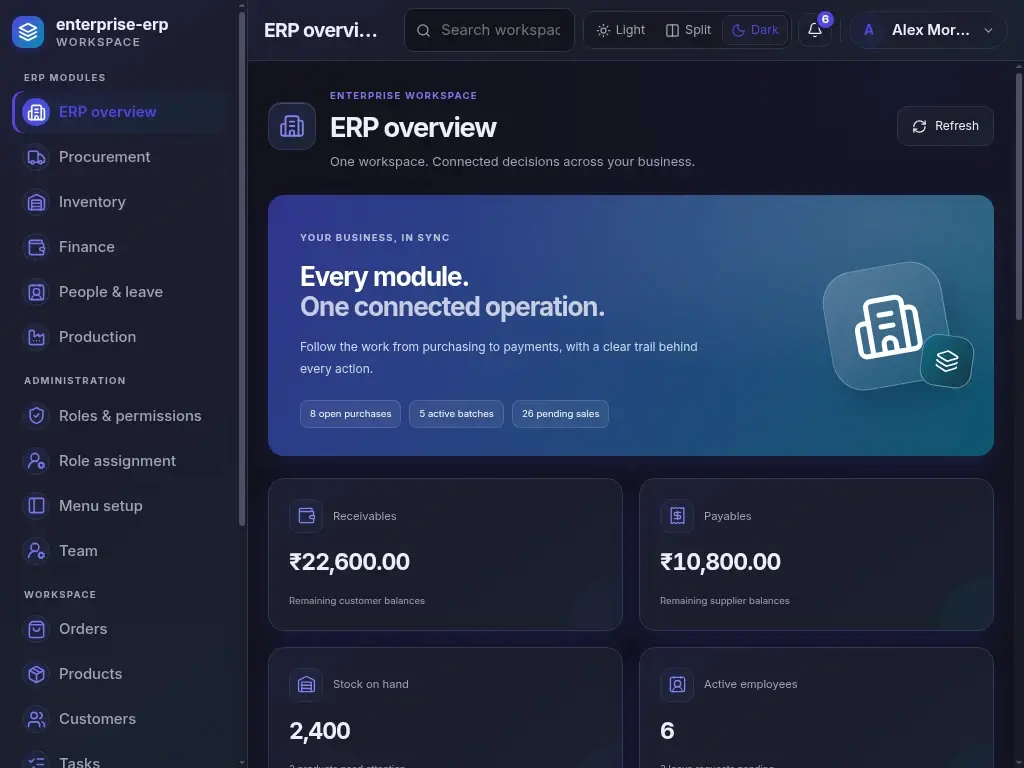
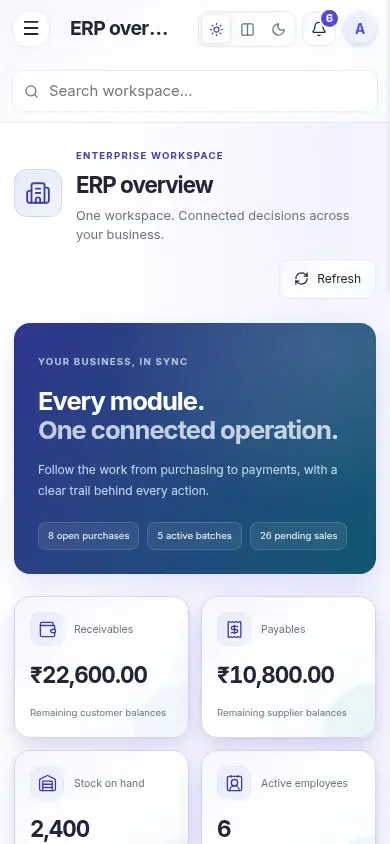
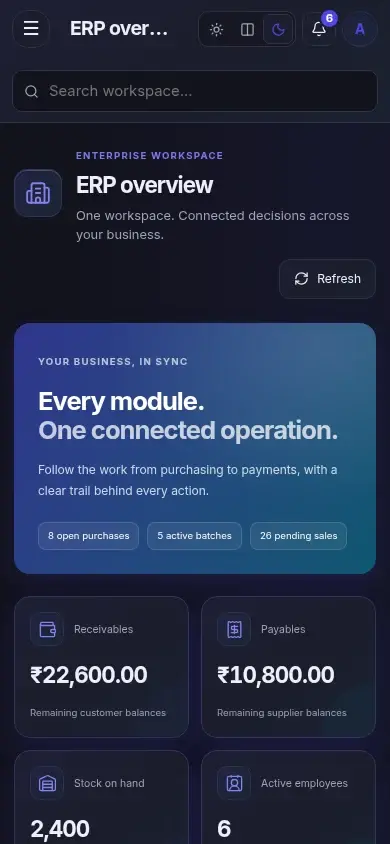 DesktopLaptopMobile
Try Light, Split and Dark. Open the project to explore its working pages.
A useful product needs more than a beautiful first screen. Bring the design, pages and behavior together.
Connect your pages, navigation and business workflows in one project. Start with a template or choose every module yourself.
Shape colors, typography, corners and shadows. Explore five design styles and make light and dark mode feel equally considered.
Choose interactive component variants, inspect their code and export their matching CSS Modules.
Run your project in a new tab. Explore working pages and API-backed records before taking the code.
Get TypeScript, selected pages, CSS Modules and the included backend. Continue with your own tools and integrations.
ERP modules link purchasing, stock, invoices and payments. Approvals and an audit trail keep operations connected.
An enterprise operations workspace connecting Sales, Procurement, Inventory, Finance, People and Production with a shared audit trail.
Explore this workspace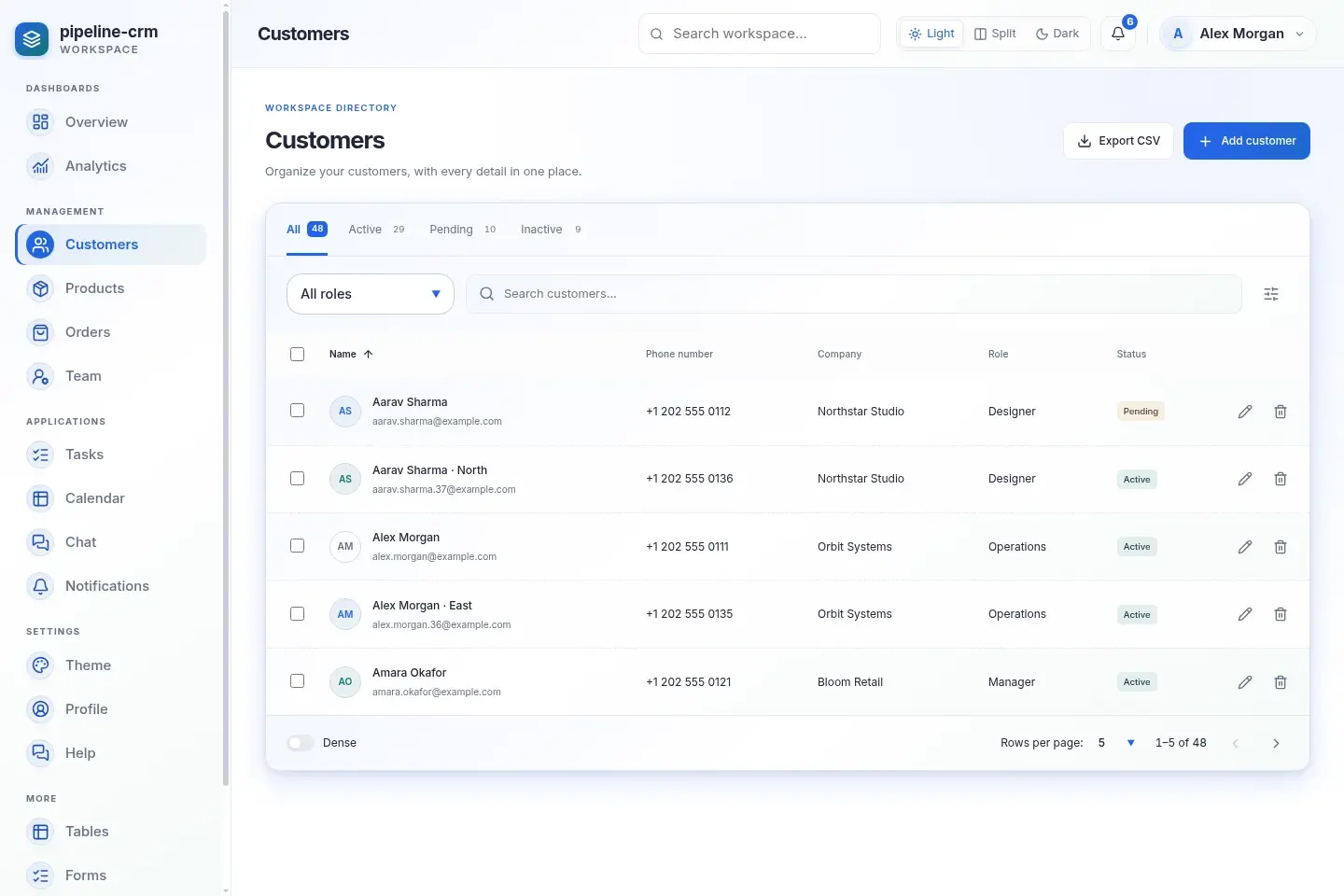
A customer workspace that connects contact records, orders, team conversations, and follow-up tasks.
Explore this workspace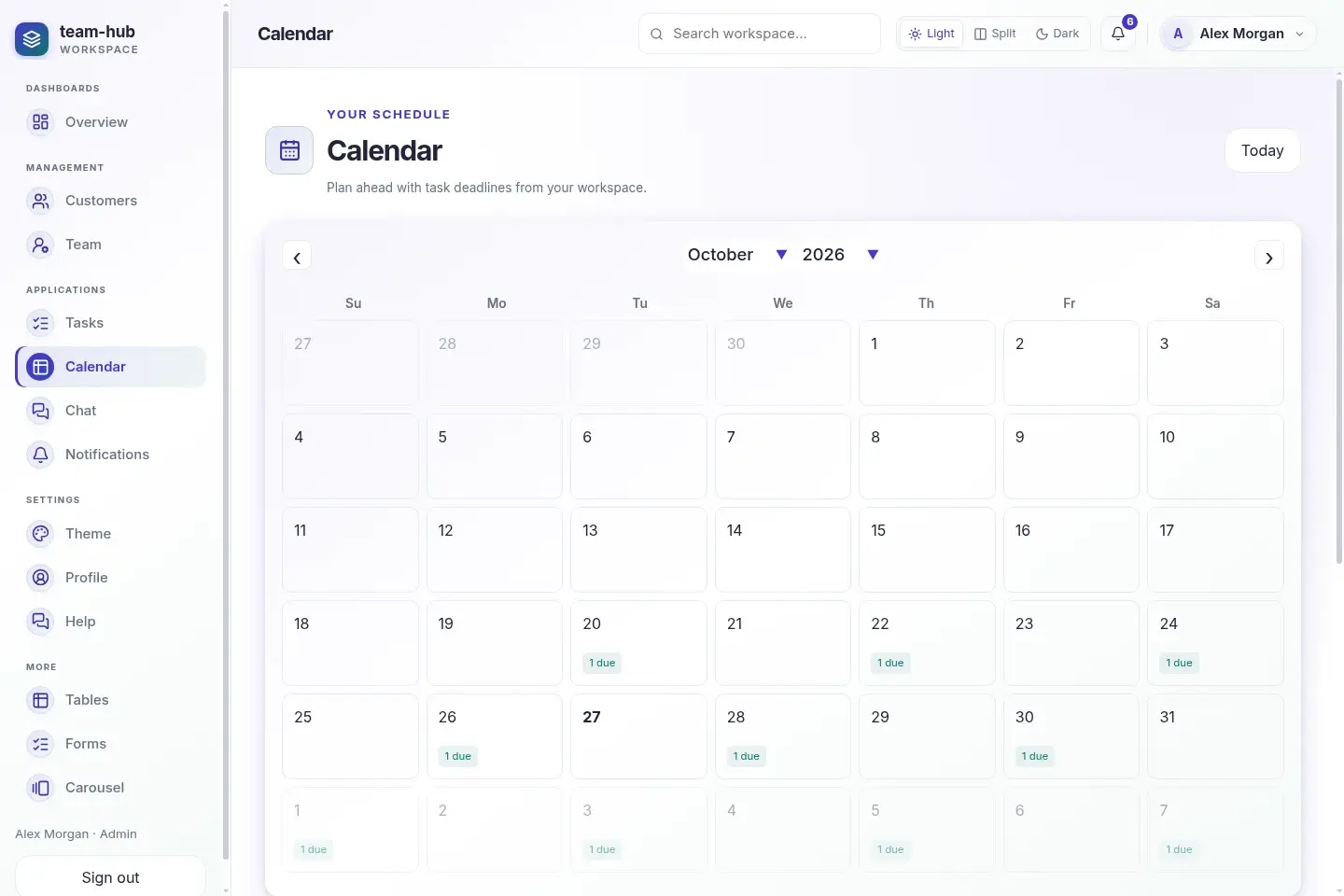
A complete team workspace for task boards, schedules, chat, notifications, forms, and member permissions.
Explore this workspaceSelected components come with their matching styles. Theme tokens and shared layout foundations keep the whole project consistent.
features/
  Inventory.tsx
  Inventory.module.css
components/
  Button.tsx
  Button.module.css
theme/
  apply.ts
project.config.json
export-manifest.json
Your source. Your theme. Ready for your next step.
Pick React or Next.js. Start with ERP, a business dashboard, a customer workspace, or a template.
Choose components and refine the theme. Try light, split and dark appearance in a running preview.
Download the source ZIP, run it locally and keep building. Share a project preview when you need another pair of eyes.
The studio opens without a login. You can build a project, explore components, customize its theme, and preview projects freely. A store account and approved purchase are required for complete project source downloads.
Yes. Every generated application includes a Theme Builder at /theme. Change colors, design styles, typography, layout, spacing, and light or dark mode, then save your preferences.
Choose a Next.js App Router or React/Vite application. Export an ERP, point of sale, complete dashboard or customer workspace, or download individual component variants with their selected CSS Modules.
Selected composed components include CSS Modules filtered to the variants you chose. Imported shared components, responsive layout styles and theme tokens remain because the application needs them. The ZIP includes an export manifest listing the included CSS files.
Templates generate runnable applications with static fixtures and browser-only demo workflows. Changes reset on refresh; no database or real business API is included. Preview freely, then purchase the editable source for ₹499, or ₹799 for ERP. The first successful purchase receives ₹100 off.
Open the studio. Explore the possibilities. Make something yours.